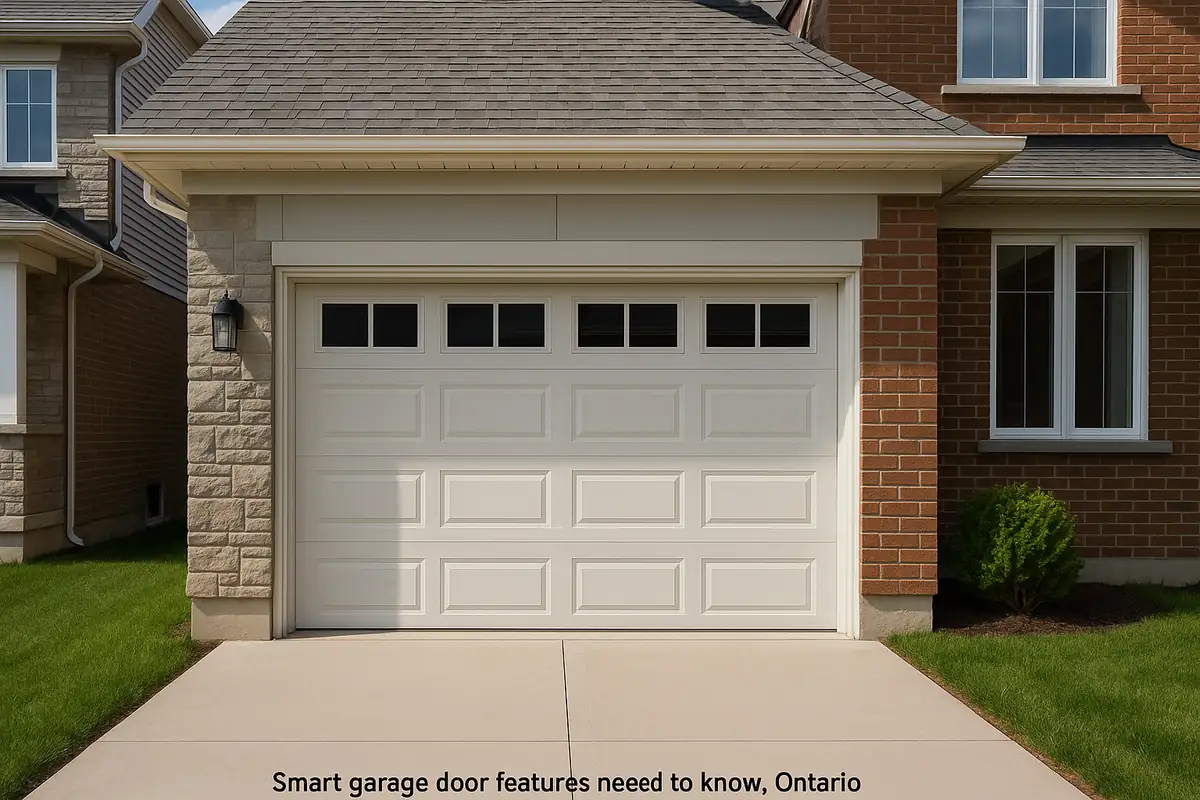
How to Program Your Garage Door Remote: A Comprehensive Guide by A & B Garage Door Repair

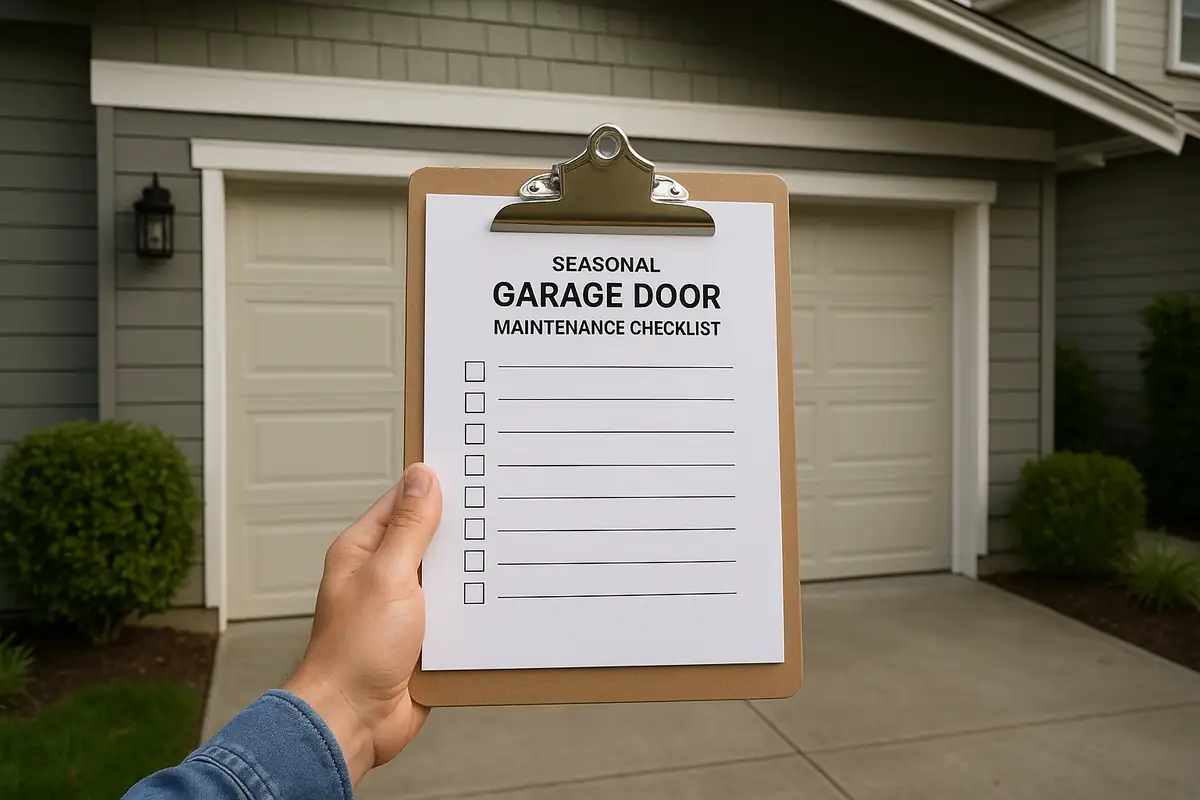
Unlock the Convenience: Programming Your Garage Door Remote
Imagine standing in the rain, struggling to open your garage door because your remote isn’t working. Frustrating, right? Programming your garage door remote doesn’t have to be a daunting task. Whether you're in Gilroy, CA or beyond, we’re here to help you master this essential skill. In this comprehensive guide, we’ll walk you through the steps necessary to program your garage door remote and ensure your garage door operates smoothly.
Understanding Garage Door Remotes
Before diving into the programming process, it's essential to understand the mechanics of garage door remotes. Garage door remotes are devices that send a signal to your garage door opener, activating it to either open or close the door. They typically operate via radio frequency and can vary in style and functionality.
Types of Garage Door Remotes
- Fixed code remotes: These remotes transmit a pre-set code that doesn't change, making them less secure.
- Rolling code remotes: These remotes change the code each time you use them, providing enhanced security.
Steps to Program Your Garage Door Remote
Programming your garage door remote can vary slightly depending on the brand and model. Below are the general steps that apply to most garage door openers.
Step 1: Gather Essential Tools
- Your garage door remote
- Your garage door opener manual
- Stepladder (if required)
Step 2: Locate the Learn Button
The first step is to find the 'learn' or 'smart' button on your garage door opener. This button is typically located on the back or side of the motor unit. Most often, it’s a small square or round button and may be colored yellow, orange, or purple.
Step 3: Prepare for Programming
With the garage door closed, press and hold the learn button until the indicator light turns on. This may take a few seconds. Once the light is illuminated, you’re ready to program your remote.
Step 4: Program Your Remote
While the indicator light is on, press the button on your remote that you want to program. The indicator light will blink and then turn off if the programming was successful. If not, repeat this step.
Step 5: Test Your Remote
After programming, test the remote by pressing the button. The garage door should respond accordingly. If it doesn’t work, repeat the programming process.
Common Issues and Troubleshooting
Sometimes, things don’t go as planned. Here are some common issues you might face while programming your garage door remote:
- Remote not responding: Check the batteries to ensure they are not dead.
- Indicator light not illuminating: Ensure you are pressing the right button and holding it long enough.
- Multiple remotes not working: Make sure the opener can handle multiple remotes and try to reset the system.
Maintenance Tips for Your Garage Door and Remote
Once you've successfully programmed your remote, it’s essential to keep both your garage door and remote in good condition. Here are some maintenance tips:
- Regular lubrication: Keep the moving parts of your garage door well-lubricated to prevent wear and tear.
- Check the batteries: Regularly replace the batteries in your remote to avoid unexpected failures.
- Inspect wiring connections: Ensure all cables and connections are secure and free from damage.
- Schedule professional maintenance: It’s a good idea to have A & B Garage Door Repair inspect your garage door system once a year.
Statistics on Garage Door Malfunctions
Did you know that according to the National Garage Door Association, over 70% of homeowners experience some form of garage door problem each year? Regular maintenance and understanding your garage door system can significantly reduce these issues.
Conclusion: Keep Your Garage Door in Top Shape
Programming your garage door remote doesn’t have to be complicated. By following the steps outlined above, you can ensure seamless access to your garage at all times. Remember, maintaining your garage door and remote is equally important for avoiding future issues.
If you ever find yourself in need of professional assistance, don’t hesitate to reach out to A & B Garage Door Repair. Serving the Gilroy, CA area, we offer expert garage door repair and maintenance services to keep your system running smoothly. Contact us today for a consultation!
Explore More Resources
Related Articles
Service Areas
We proudly serve Gilroy, San Martin, Aromas, Morgan Hill, Interlaken and more areas.
Our Services
Professional garage door repair, spring repair, opener installation and more. View all services →
Common Garage Door Problems and How to Fix Them - A & B Garage Door Repair in Gilroy, CA
When to Replace vs Repair Your Garage Door: Expert Guidance from A & B Garage Door Repair